
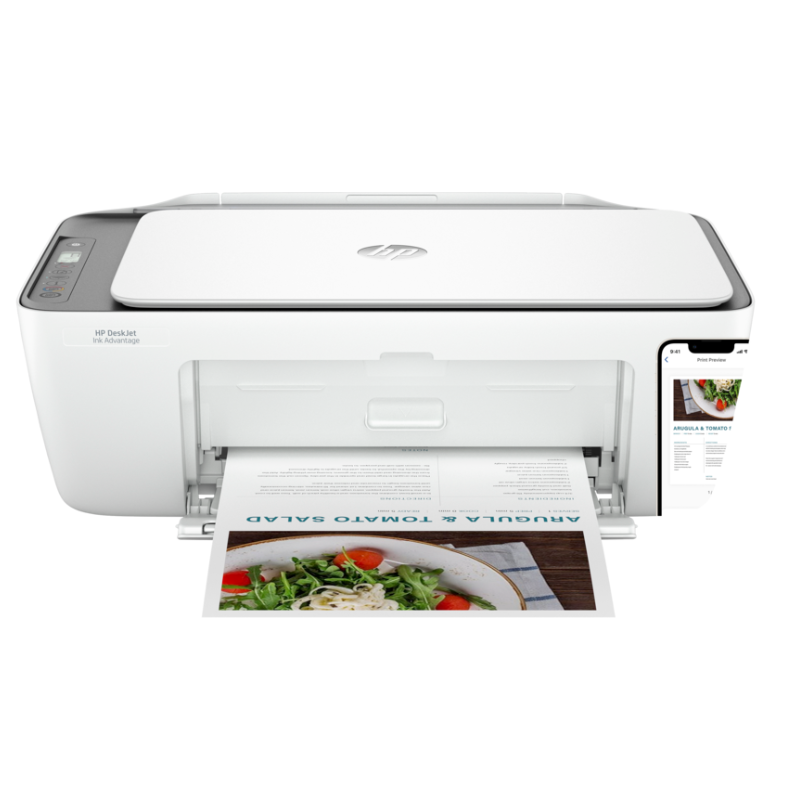
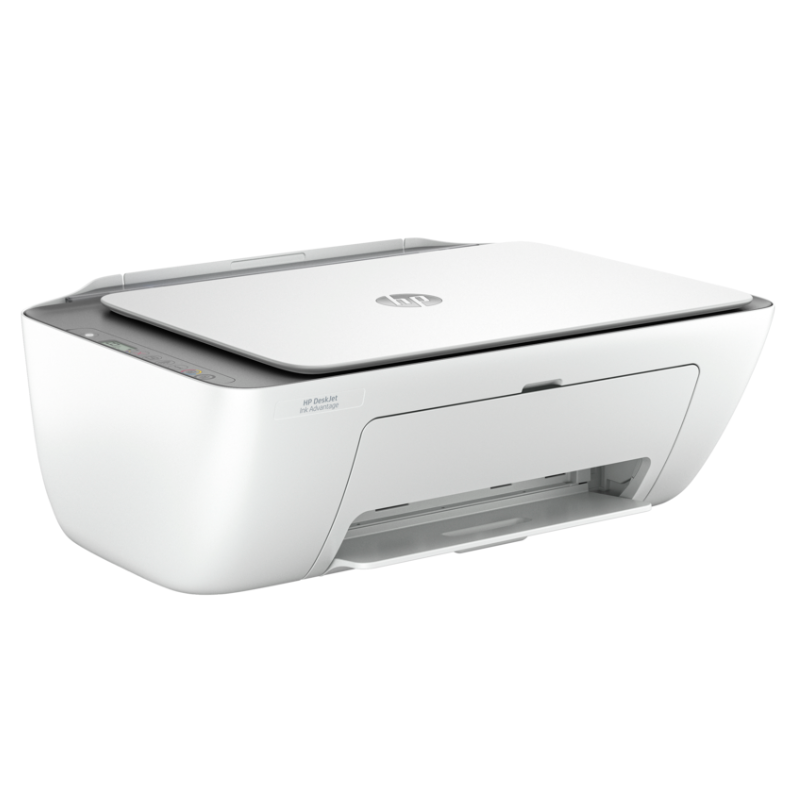
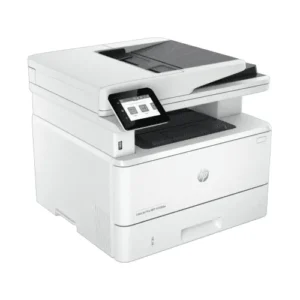
HP DeskJet Ink Advantage 2876 All-in-1 Printer
KSh5,700.00
- Print, Scan, Copy and Wireless
- Print speed: up to 7.5 ppm (black) and 5.5 ppm (color)
- Duty cycle: up to 1,000 pages (Monthly, A4)
- RMPV: Up to 50 to 100 pages
- Resolution: Black- Up to 1200 x 1200 dpi; Color- Up to 4800 x 1200 dpi
- 60-sheet Input tray | 25-sheet output tray
- 1 Wi-Fi 802.11 b/g/n; 1 Hi-Speed USB 2.0
- Replacement Cartridges: HP 682 Black (~480 pages) 3YM77A; HP 682 Tri-color (~150 pages) 3YM76A
HP DeskJet Ink Advantage 2876 All-in-1 Printer
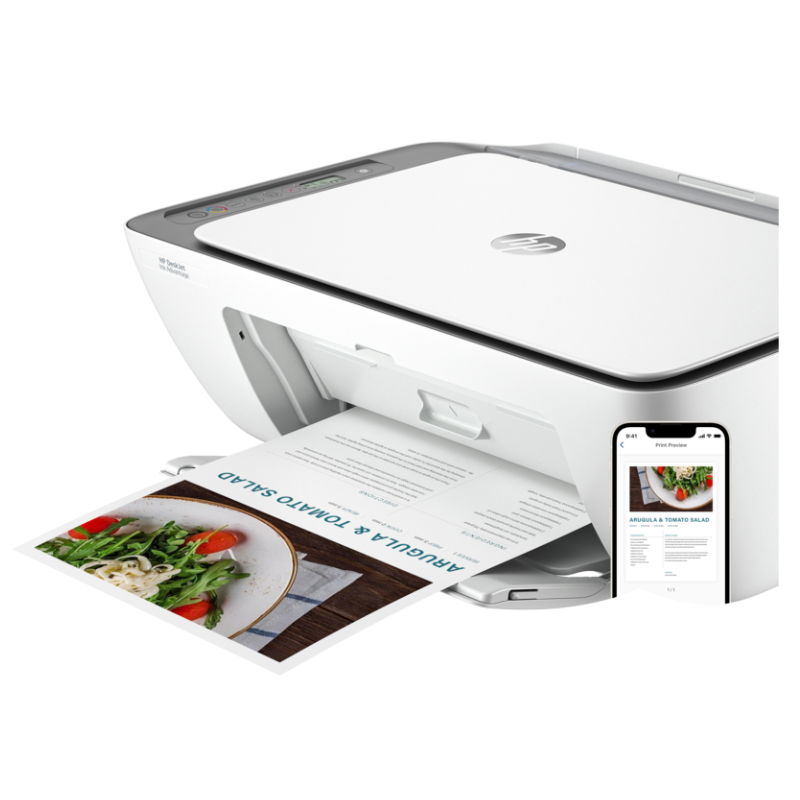
The HP DeskJet Ink Advantage 2876 is a budget-friendly, compact inkjet all-in-one printer ideal for everyday home and student use. Offering print, scan, and copy functionalities, it supports wireless printing via Wi-Fi and mobile apps like HP Smart. Designed to be simple and affordable, this printer uses low-cost ink cartridges and delivers sharp black text and vibrant colour prints for schoolwork, home documents, and casual photo printing.
Specifications Table
| Feature | Details |
|---|---|
| Model | HP DeskJet Ink Advantage 2876 All-in-One (6W7E6C) |
| Functions | Print, Copy, Scan |
| Print Technology | Thermal Inkjet (Colour) |
| Print Speed | Up to 7.5 ppm (black), 5.5 ppm (colour) |
| Print Resolution | Up to 1200 x 1200 rendered dpi (black); up to 4800 x 1200 (colour) |
| Duplex Printing | Manual |
| Scanner Type | Flatbed |
| Scan Resolution | Up to 1200 dpi |
| Paper Sizes | A4, B5, A6, DL envelopes, custom sizes |
| Input Capacity | 60-sheet input tray |
| Output Capacity | 25-sheet output tray |
| Display | 7-segment LCD with icon indicators |
| Connectivity | Hi-Speed USB 2.0, Wi-Fi 802.11a/b/g/n, Wi-Fi Direct |
| Monthly Duty Cycle | Up to 1,000 pages (recommended: 50–100 pages) |
| Memory | Integrated (non-upgradable) |
| Ink Cartridges | HP 682 Black & HP 682 Tri-colour (approx. 480 pages black, 150 colour) |
| Dimensions/Weight | Approx. 425 × 304 × 154 mm; ~3.4 kg |
| Supported OS | Windows, macOS, Chrome OS, HP Smart App, Apple AirPrint, Mopria |
Target Users
Students – Great for assignments, worksheets, and colourful school projects at low cost.
Home Users – Ideal for occasional printing, scanning IDs, documents, or photos.
Parents & Teachers – Suitable for lesson plans, forms, crafts, and basic document needs.
Casual Colour Users – Best for low-volume users needing both B/W and colour output.
Pros and Cons
Pros:
-
All-in-one (print/scan/copy) in a compact, space-saving design
-
Affordable purchase price and low-cost ink cartridges
-
Wireless printing with support for HP Smart App, AirPrint, and more
-
Good print quality for documents and casual colour prints
-
Quiet and energy-efficient for home environments
Cons:
-
Slower print speeds compared to laser printers
-
No automatic duplex printing
-
Basic display (no touchscreen)
-
Colour ink yields are lower (frequent replacements for heavy users)
-
Not ideal for high-volume printing environments
Reviews
There are no reviews yet.